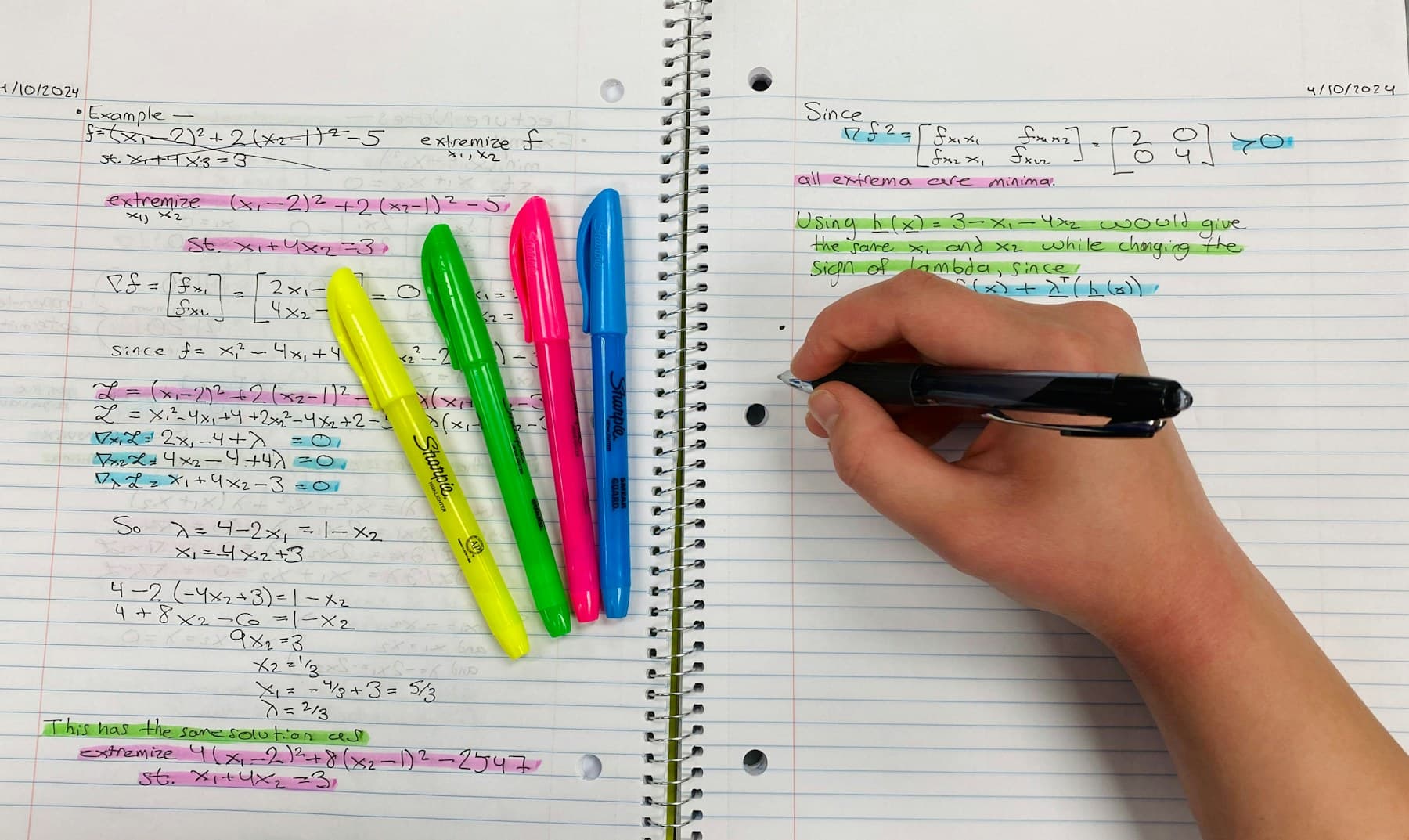
What are PDF annotations?
PDF annotations are objects added to a document without rewriting its original page content. A highlight can sit over a sentence, a sticky note can hold a comment, and an underline can mark a phrase while the text underneath remains unchanged.
That distinction matters. The page is the source material; the annotation layer records what a reader noticed or wanted to say about it. When annotations are saved as standard PDF objects, compatible readers can display, edit, search, or remove them later.
- Text highlights for important passages
- Underlines, strikeouts, and squiggly marks
- Sticky notes and comments
- Text boxes, stamps, shapes, and freehand ink
- Links, attachments, and review metadata
The annotation types that are easiest to reuse
Not every visible mark is equally useful outside the PDF reader that created it. Text-based highlights and comments are usually the most portable because they can carry both the marked location and structured metadata such as page, color, author, and date.
A highlight is most valuable when the PDF stores the selected text or provides enough geometry to recover that text from the page. A comment is most useful when it is attached to the relevant highlight instead of floating without context. Freehand ink and area highlights can be meaningful to a person but are harder for software to turn into searchable notes.
Why PDF annotations sometimes disappear
A PDF can look annotated and still contain no extractable annotations. This often happens when a file is printed to PDF or flattened. The yellow rectangle becomes part of the page image, so another app can see the color but cannot identify it as a highlight object.
Annotations can also live in an app's private database instead of the PDF itself. If you switch readers or send only the original file, the marks may not travel with it. Before leaving an app, save or export a copy with annotations embedded in the PDF and open that copy in a second reader to verify it.
- Save the document after annotating it.
- Avoid Print to PDF when you need editable annotations.
- Export annotations from apps that keep notes in a separate library.
- Check that the PDF has a selectable text layer if you want highlight extraction.
- Test the exported file in another PDF reader before archiving it.
A simple annotation system that scales
The best annotation system is small enough to remember. Give each color one stable meaning and use comments to capture why a passage matters. For example: yellow for key claims, green for evidence, red for disagreement, and blue for follow-up questions.
Do not use color as the only source of meaning. Color names differ between apps and can be difficult to distinguish in some displays. Add a short label or comment when the category matters, especially for legal review, research synthesis, or collaborative work.
How to move from annotations to working notes
Annotations are capture, not completion. A hundred excellent highlights remain hard to use if they are scattered across a hundred files. The next step is to bring the marked text, comments, page references, and filenames into a view where you can search and group them.
For a single PDF, export the annotations to Markdown or CSV. For a project, keep the relationship between every note and its source while grouping material by theme, claim, issue, or chapter. That makes it possible to compare sources without repeatedly reopening files.
- Review highlights soon after reading and delete low-value marks.
- Add a note that explains why each important passage matters.
- Preserve the filename and page number with every exported quote.
- Group annotations by idea rather than only by document.
- Return to the source before quoting or relying on a passage.
Check a PDF before building your workflow around it
If you are unsure whether a document contains real annotations, open it with the free PDF annotation extractor. It can reveal the highlight text, comments, colors, annotation types, and page numbers that are actually stored in the file.
Once you know the annotations are portable, you can choose a markup tool and export format with confidence instead of discovering after hours of reading that your notes are trapped in one app.